
The wave: In print
Filter by
Printing
How To Submit A Print Job With Ease
From designing and printing wall murals, trade show booths, signs and window graphics to installing the projects, Large Print does it all. For an easy and smooth printing experience with Large Print, please follow these file requirements when submitting a print job.
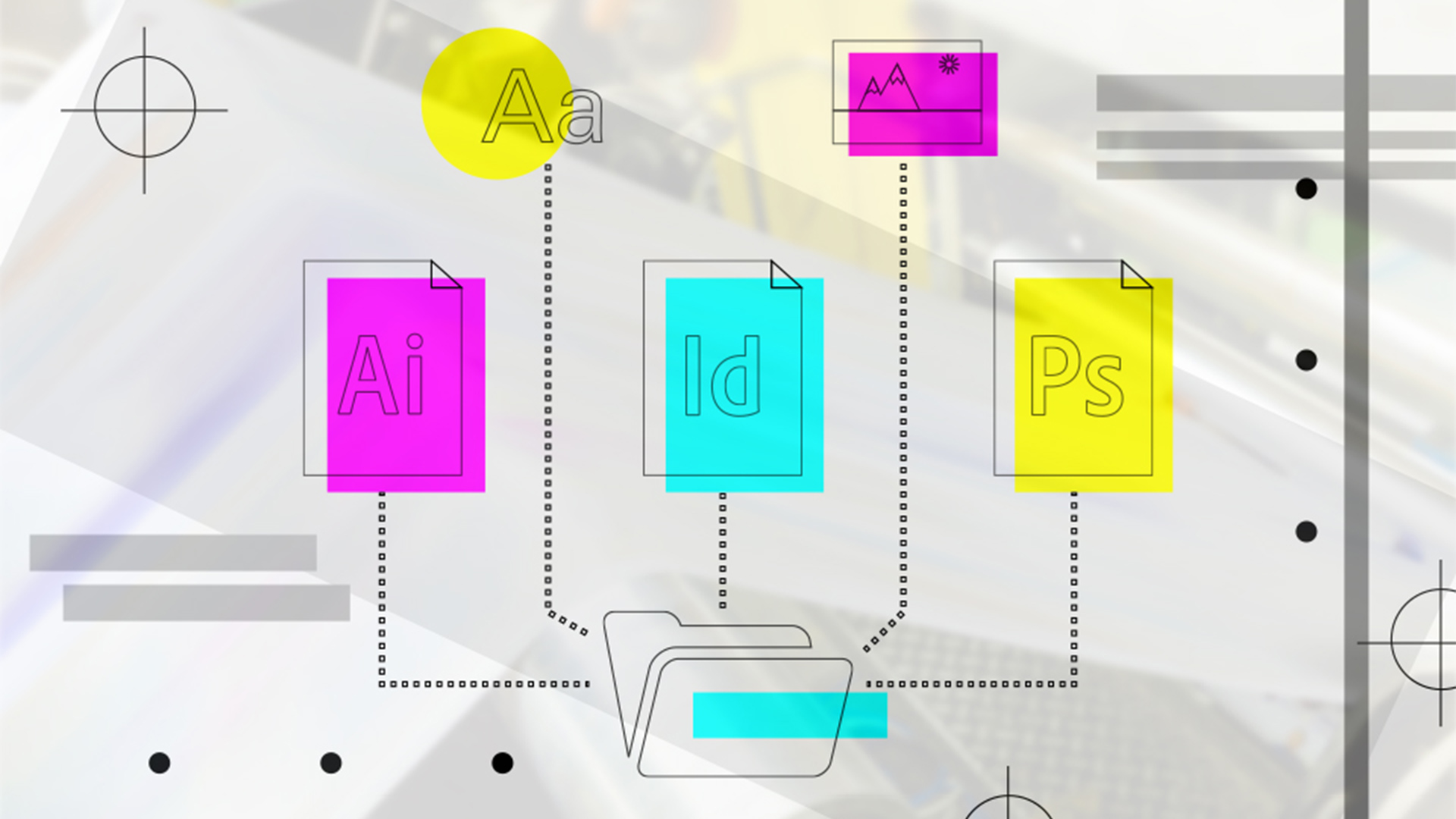
Large Print accepts multiple print types including Adobe Illustrator, Adobe Photoshop and Adobe InDesign. When submitting a potential print project it is important to package your original files. This way we have all of the necessary information. Your packaged files should include AI file, fonts and imagery. For quality printing, your image size should be a minimum of 150 DPI. If you have an Illustrator or InDesign file, please include a print quality PDF with outlined fonts and embedded files.
Keep in mind that Large Print works in CMYK colors, which is the standard for printing. Large Print will however reference the pantone color system with CMYK colors. We do not print spot colors. To make sure that the colors will look the same on print as they do online, we can print swatch colors.
Lastly, make sure you leave a bleed on your imagery. There could be ¼ inch bleed on all sides of the artwork. By following these tips, your print project will go smoothly and turn out great!
Ready to submit a job for Large Print? Click here.